-
Okki-Go vs Smartlead: They Are Not the Same Job
-
Okki-Go Account Research: Check Freshness Before You Check Features
-
Cold Email Reply Rate Benchmark: Ignore the Screenshots
-
Company Enrichment Sales Intelligence: Don't Buy a Bigger List
-
What Is a Sales Navigator Scraper and When Should a B2B Sales Team Use It?
-
When This Advice Breaks
If your B2B team already sends with Smartlead and only needs cleaner account lists, don't migrate to Okki-Go just for enrichment. But if your bottleneck is okki go account research, signal-based enrichment, and getting accounts into a human-reviewed outreach flow, Okki-Go is worth a 30-day test. That is the short answer. The longer answer is messier: cold email reply rate benchmark reality is usually low single digits, company enrichment sales intelligence only works when it feeds a specific play, and a sales navigator scraper is useful for targeted list building, not for automating spam.
I have run outbound for a mid-market B2B SaaS company since 2019. I have personally broken our CRM with duplicate enrichment imports, wasted roughly $11,400 on overlapping data tools between 2021 and 2023, and now I maintain the checklist nobody asked for. I don't have hard data on every Okki-Go deployment, but I have enough scar tissue to know which questions matter.
Okki-Go vs Smartlead: They Are Not the Same Job
Asking okki go vs smartlead is a bit like asking 'CRM vs email server.' Both touch outreach, but the center of gravity is different. Smartlead is sending infrastructure: inbox rotation, warmup, deliverability, sequencing. Okki-Go is closer to prospecting infrastructure: account research, waterfall enrichment, intent signals, and human-in-the-loop outreach.
In my opinion, most teams should not replace one with the other. We kept Smartlead for sending and used Okki-Go for account research and enrichment. That hybrid worked for us. The mistake I see is buying a new prospecting tool because reply rates are low, when the real problem is a vague offer or a list full of bad-fit accounts.
Okki-Go Account Research: Check Freshness Before You Check Features
When you evaluate okki go account research, do not start with the feature list. Start with freshness. A job title that was accurate in Q3 2024 is not a buying signal in Q2 2026. Ask how often records refresh, where the data comes from, and whether you can see source dates.
It is tempting to think more enrichment fields equal better personalization. But oversized enrichment creates stale junk (like 12-month-old job titles and dead emails). In Q1 2024, we cut our enrichment fields from 38 to 9. Reply rates went up, not because the data got magically better, but because reps actually used the nine fields that mattered.
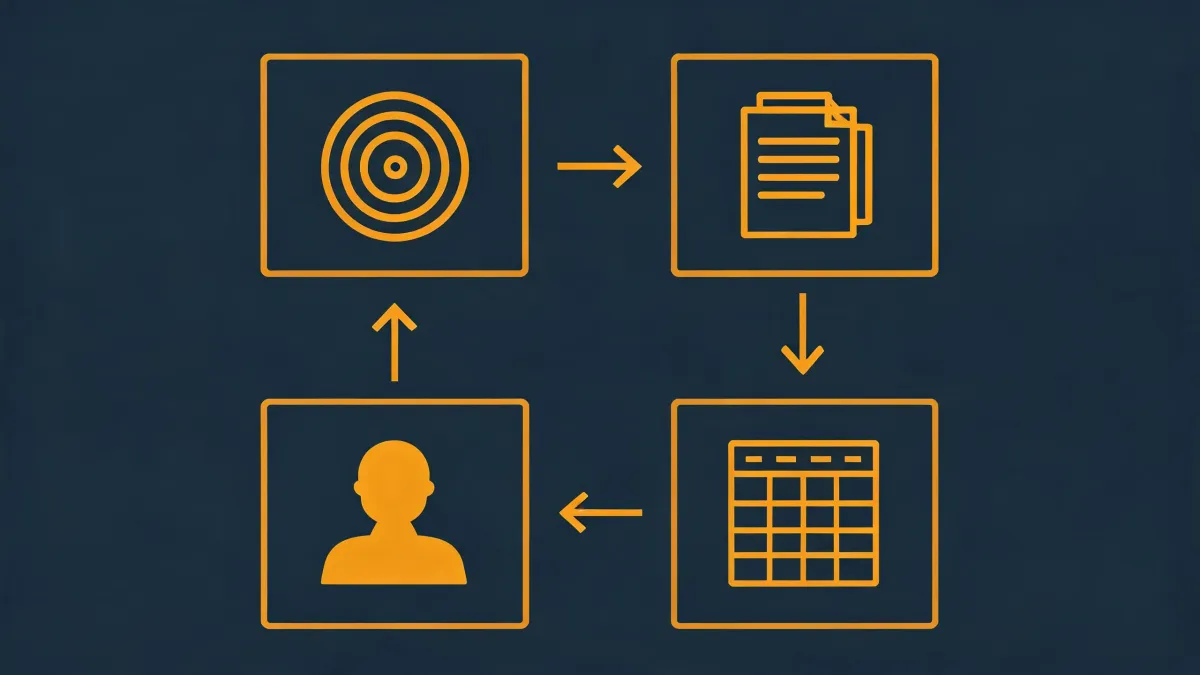
The useful Okki-Go pitch is the workflow: find accounts, enrich them with waterfall data, layer on intent, then route them to a human for review. That is a real efficiency gain if your team is doing account research manually in spreadsheets.
Cold Email Reply Rate Benchmark: Ignore the Screenshots
I wish I had tracked our cold email reply rate benchmark more carefully from the start. What I can say anecdotally is that for cold B2B outbound, a 1-5% reply rate is normal. Positive replies often land between 0.5% and 2%. If someone shows you a 20% cold reply rate, ask for the list source, the offer, the segment, and the spam complaint rate. Usually, the screenshot is missing at least two of those.
According to Google's Gmail bulk sender guidelines (effective February 2024), bulk senders should keep spam complaint rates below 0.3%. Verify current requirements at Google Workspace Admin Help.
That 0.3% number matters more than a vanity reply rate. A high reply rate with angry 'stop emailing me' replies is not a win. Take this with a grain of salt: your ICP, offer, and market maturity will move the range more than the sending tool.
Company Enrichment Sales Intelligence: Don't Buy a Bigger List
Company enrichment sales intelligence is only valuable when it changes the first line or the sequencing. Bad use: append 40 fields, then send the same generic email. Good use: use hiring signals, tech stack changes, or funding events to pick a relevant trigger and route the account to the right rep.
Okki-Go's waterfall enrichment plus intent is aimed at that second use case. The question to ask is not 'how many fields?' but 'which signal will change what my rep does tomorrow?' If the answer is none, you are paying for data theater.
What Is a Sales Navigator Scraper and When Should a B2B Sales Team Use It?
A sales navigator scraper is a tool that extracts visible data from LinkedIn Sales Navigator search results into a CSV or CRM. It can speed up list building for ABM or niche segments. It is not a strategy, and it is not a replacement for enrichment, scoring, or deliverability hygiene.
Use one when you have a clearly defined ICP, you need 200-500 accounts for a targeted sequence, and you will manually verify before sending. Do not use one for high-volume spray-and-pray, and do not connect it to an account you care about without legal review. Per LinkedIn's User Agreement (linkedin.com/legal/user-agreement), scraping is prohibited unless expressly permitted. I am not a lawyer. If you ask me, the scraper is a convenience, not a competitive advantage.
This is where Okki-Go or another proper account research workflow should take over: dedupe, enrich, score, and route. The scraper gives you names. It does not tell you who is ready to buy.
When This Advice Breaks
I can only speak to a mid-market B2B SaaS context: about 1,200 named accounts, two SDRs, and an average deal size around $18k. If you are a high-volume outbound agency with 100,000 contacts, the calculus is different. If you are enterprise with strict compliance, do not scrape. If you are pre-product-market-fit, fix your offer before buying more data.
I am not 100% sure Okki-Go will beat your current stack. The honest test is a 30-day pilot on one segment, with a control group, and a spreadsheet that tracks replies, positive replies, meetings, and spam complaints. If you do not have that spreadsheet, no tool will save you. That is the lesson I keep learning the expensive way.