No Single Answer (Which Is the Real Answer)
Ask five B2B sales leaders what cold email automation is and you'll get five answers. One means a sequencer. Another means an AI SDR. Another means enrichment and verification before a single email goes out. They're all partly right.
In my role coordinating rushed outbound launches for B2B sales teams, I treat cold email automation like triage. When I first started building outbound workflows, I assumed it was mostly about sending more emails, faster. A few domain reputation problems later, I realized it's more about deciding what not to send, who should review it, and when a human touch matters more than a follow-up.
So there's no universal rule. Your right setup depends on three variables: your monthly contact volume (think 300 vs 3,000), your data quality (verified or guessed), and your human review capacity (who reads replies?). If you don't know those, any tool will just help you make the same mistake faster.
Cold email automation is software that handles the repetitive parts of outbound email: list import, enrichment, email verification, sequencing, follow-ups, reply detection, and CRM logging. It is not a replacement for a clear ICP, a relevant offer, or human judgment.
Before we split into scenarios, here's the line I keep coming back to: data, deliverability, relevance. In that order. If you get the order wrong, you'll pay for it with bounces, spam complaints, or a domain that needs a vacation.
The Three Scenarios (And One Counterintuitive Rule)
Most B2B teams fall into one of three rough scenarios. The counterintuitive part: the more contacts you want to reach, the less automation you should trust without review. Volume raises the cost of every mistake.
Scenario A: Founder-Led Sales or a Team of One SDR (Under ~300 Contacts/Month)
You don't need an enterprise outbound stack. You need a clean list, a simple sequence, and a LinkedIn tool that keeps you from forgetting follow-ups.
Here's what usually works:
- Pick 50-100 accounts that actually match your ICP. Not 5,000.
- Use waterfall enrichment to fill missing fields (company size, role, tech stack, recent trigger events).
- Verify emails before sending. You're not aiming for perfection; you're trying to avoid hard bounces that damage your domain.
- Write 2-3 email steps, not 8. Add one LinkedIn touch in between.
- Review every reply personally. At this stage, replies are your best research.
If you're evaluating okki-go (also styled okki go) features at this stage, use them as a research assistant—lead gen, enrichment, intent signals, and email verification—not as a reason to skip founder-led discovery. To be fair, a simple sequencer can work here. But it won't tell you which accounts are worth your time.
What to avoid: buying a high-volume AI SDR before you've proven your offer. Automating a weak message just produces weak messages at scale.
Scenario B: Dedicated SDR Team (2-8 Reps, ~1,000-10,000 Contacts/Month)
This is where cold email automation usually pays off—if you have RevOps or a sales ops owner who can keep the data clean. The workflow matters more than the tool name.
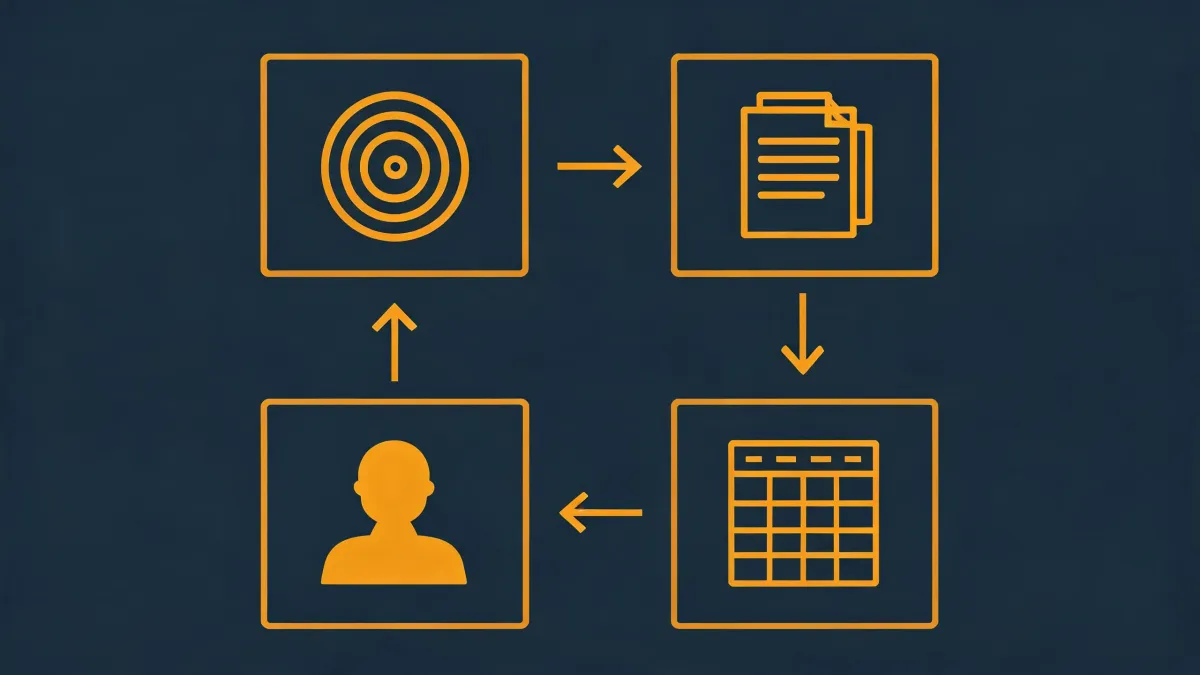
A sane okki go workflow for SDR teams looks like this:
- Define the ICP in the CRM. Not in a rep's head. Industry, size, role, intent triggers, exclusions.
- Pull accounts and contacts. Agent-native prospecting can draft the list, but a human approves the ICP logic.
- Run waterfall enrichment. Use multiple data sources so you're not depending on one provider. This is where okki go's waterfall enrichment + intent approach helps fill gaps.
- Verify emails. Cut hard bounces before they hit the sending domain. No tool can promise perfect accuracy, so monitor bounce rate weekly.
- Score intent. Look for signals like hiring, funding, tech changes, or repeated site visits. Intent data isn't a magic 8-ball; it's a prioritization layer.
- Draft sequences with human-in-the-loop outreach. The agent writes a first pass. The SDR edits for relevance. The SDR sends.
- Add LinkedIn touches. Use a LinkedIn tool for profile research, connection requests, and manual DMs where appropriate. Check LinkedIn's User Agreement; unauthorized automation or scraping can get accounts restricted.
- Triage replies daily. Route positive replies to AEs, objections to the SDR, and opt-outs to suppression. Note to self: don't let replies sit for 48 hours.
When I compared a high-volume, unverified campaign and a smaller enriched-and-verified campaign side by side, the smaller one wasn't just easier to manage. It also made the team better. Reps spent less time fixing bad data and more time reading replies.
Compliance guardrails for this scenario: Under the CAN-SPAM Act, commercial email needs accurate header info, a clear opt-out, and a valid physical address; opt-outs should be honored within 10 business days. Under GDPR, if you rely on legitimate interests (Article 6(1)(f)), you need a documented balancing test and an easy way to object. And as of February 2024, Google's Email Sender Guidelines for bulk senders require authentication (SPF, DKIM, DMARC), easy unsubscribe, and a spam rate below 0.3%. Verify current requirements at the official sources; rules change.
Scenario C: Outbound Agency or Multi-Brand Team (Multiple Clients, Shared Resources)
Agencies often assume they need more volume to be profitable. The counterintuitive rule: agencies should usually send less per domain, not more.
Why? Because client domains are not yours. If you burn one, you lose the client. The workflow needs client separation from day one:
- Separate sending domains and mailboxes per client. No shared reputation.
- Client-specific ICPs, offers, and suppression lists. Copy-paste sequencing across clients is how agencies get fired.
- Document consent or lawful basis for every list source. You don't want to explain a GDPR complaint to a client.
- Use enrichment and intent data to build smaller, higher-signal lists. Then use a LinkedIn tool for manual touches that don't risk the client's domain.
- Report on reply quality and meetings held, not just emails sent. If a client asks for a promise on reply volume, that's a red flag.
Okki go can fit here as a standardization layer: agent-native prospecting, waterfall enrichment, and human-in-the-loop outreach can make research more consistent across accounts. But governance is still on you. The tool doesn't replace client-specific judgment.
How to Tell Which Scenario You're In
Forget the tool demo for a minute. Answer these questions:
- How many new contacts do you email per month? Under 300: Scenario A. 1,000-10,000 with a team: Scenario B. Multi-client: Scenario C.
- Can you verify emails before sending? If not, stop. Fix data quality first. Bounces are a tax on everyone.
- Who reviews replies? If the answer is 'nobody,' automation will just create unanswered interest.
- Do you have a documented compliance process? CAN-SPAM, GDPR, and inbox provider rules are not optional. If you can't explain your opt-out and suppression process, don't scale.
- What does your CRM look like? If it's a mess, automation will enrich the mess. Clean the pipeline stages first.
I'm not 100% sure where the exact cutoff is—300 vs 500 contacts might depend on your ACV and sales cycle. But the principle holds: the higher your volume, the more you need review, verification, and compliance before sending.
The 'more volume equals more pipeline' thinking comes from an era when inboxes were less crowded and deliverability rules were looser. That's changed. Today, a smaller list with waterfall enrichment + intent data and human-in-the-loop outreach will often teach you more than a massive blast.
One regret: I still kick myself for not auditing bounce rates weekly earlier in my career. If I'd caught the problem before it affected our primary domain, we would have avoided weeks of cleanup. Don't learn that lesson the hard way.
The Bottom Line
Cold email automation isn't good or bad by itself. It's a multiplier. If your ICP, data, and offer are solid, it helps SDR teams spend more time on conversations and less on list cleanup. If they're not, it multiplies the noise.
So use the scenarios above as a decision tree. If you're a founder or solo SDR, keep it light and manual. If you're a dedicated SDR team, build a workflow with enrichment, verification, intent, and human review. If you're an agency, protect client domains and standardize research without copying blindly.
If you want to see how okki go features fit into an SDR workflow—agent-native prospecting, waterfall enrichment + intent, and human-in-the-loop outreach—start with a small pilot: one ICP, 300 contacts, and a weekly review of bounce rate, reply quality, and meetings held. That will tell you more than any generic benchmark.